Same gems.
Up to 9% cheaper.
Buy your Rise of Kingdoms packs on LootBar instead of in the game, then claim them on your own account in about a minute. Gems, Growth Fund, event offers, everything you would buy anyway.
- Your own account, no sharing
- Done in about a minute
- Refund if it never arrives
Every pack, live prices
In-game price where you play against LootBar, checked yesterday. Tap a pack to buy it.
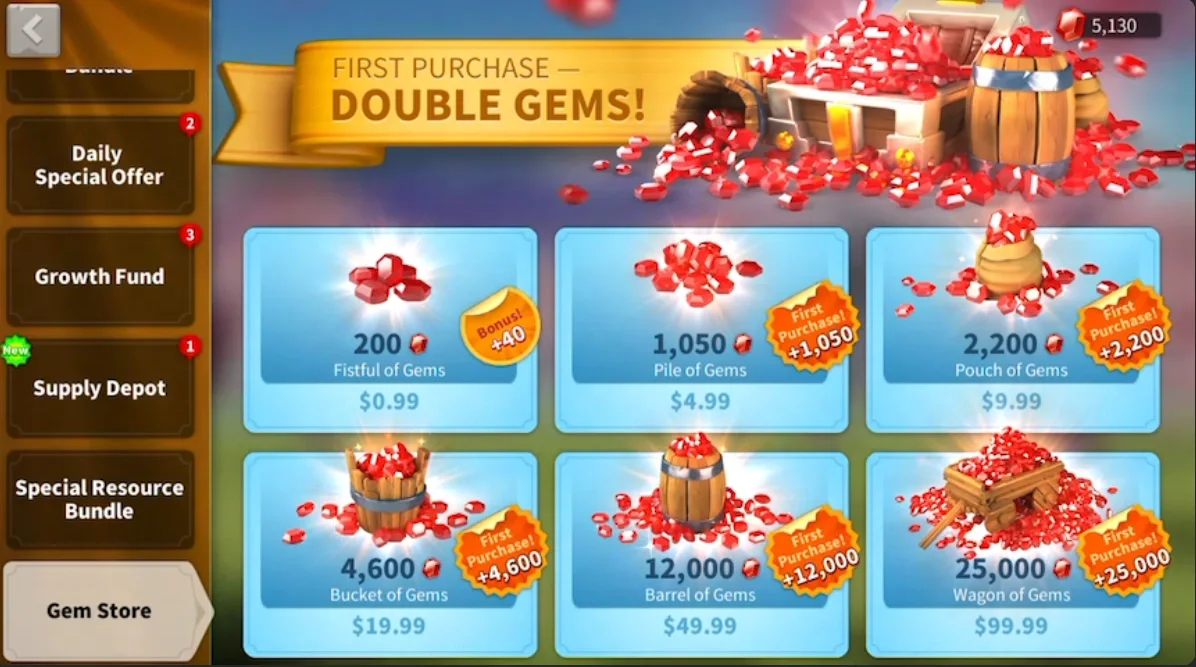
The six gem packs from the Gem Store. First purchase of each still doubles in game.
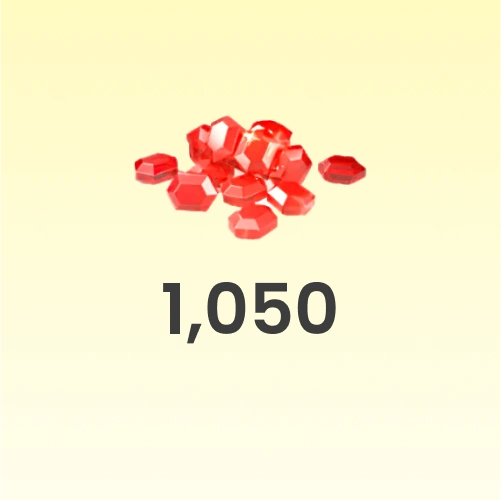
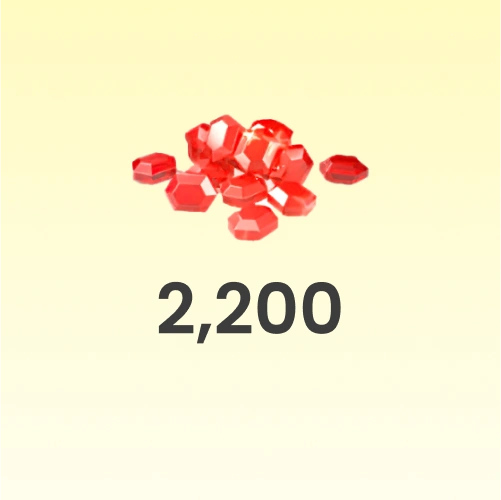
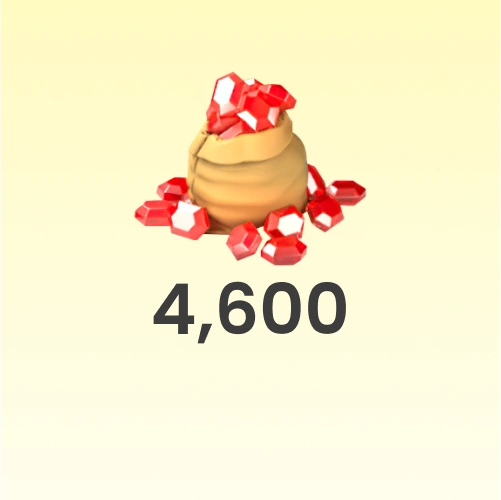
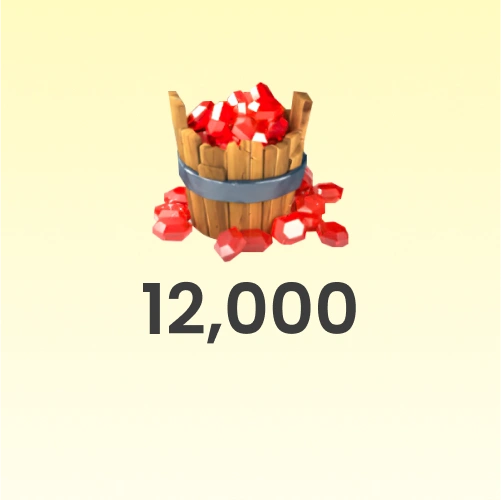
Prices for United States in USD. LootBar converts at checkout, so the last cent can move a little.
What you keep
Slide to what you spend on Rise of Kingdoms in a month and see what the same packs cost you over a year.
Before you start
Three things that make it go smooth the first time.
Google or Facebook on your governor
Self-TopUp signs in with Google or Facebook. Apple does not work. Not linked yet?
- 1Gear icon, bottom left of your city
- 2Account / Characters
- 3Pick Google or Facebook and confirm
Match the in-game price
Saw a $19.99 event offer? Buy the Any 19.99 Pack. You redeem it on that exact offer in the store. Always match the game's USD price, not what you pay.
Stay off the game for a minute
While the pack redeems, do not open the same account on your phone or another device. It logs the window out and the redeem has to start again.
How to top up, step by step
Six steps, about two minutes the first time. Every screen below is what you will actually see.
- 1
Pick your pack
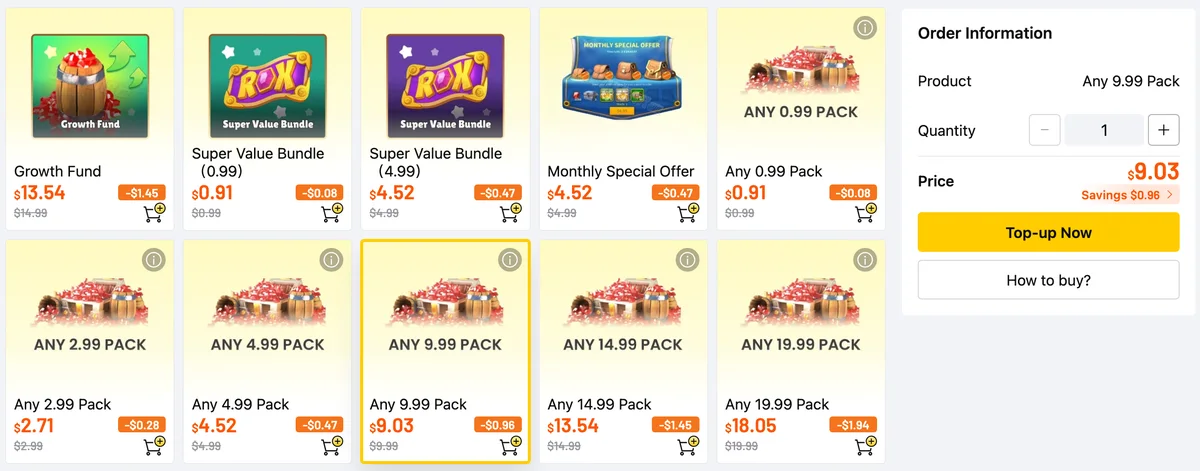
Open the Rise of Kingdoms store on LootBar and tap the pack you want. Gem packs and bundles are named like in the game.
Buying an event offer? Take the Any pack with the same in-game price, like Any 9.99 Pack for a $9.99 offer.
- 2
Sign in and pay
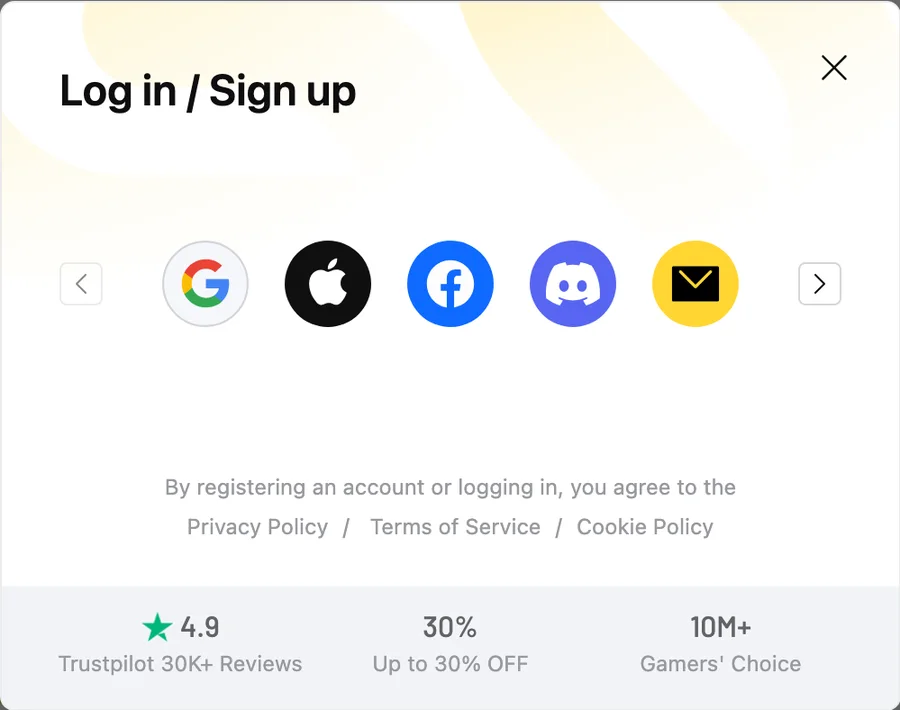
Hit Top-up Now, sign in with Google, Apple, Facebook, Discord or email, and pay with a card, wallet or local method.
First order on LootBar? Grab the new-user coupon at checkout for another 6% off.
- 3
Choose Self-TopUp
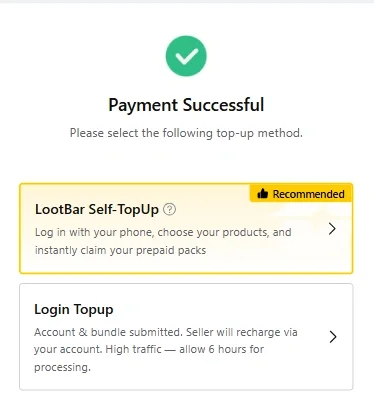
Once it says Payment Successful, pick LootBar Self-TopUp. You claim the pack yourself in about a minute and nobody else touches your account.
Skip Login Topup: it means handing your login to a seller and waiting up to 6 hours.
- 4
Log in to Rise of Kingdoms
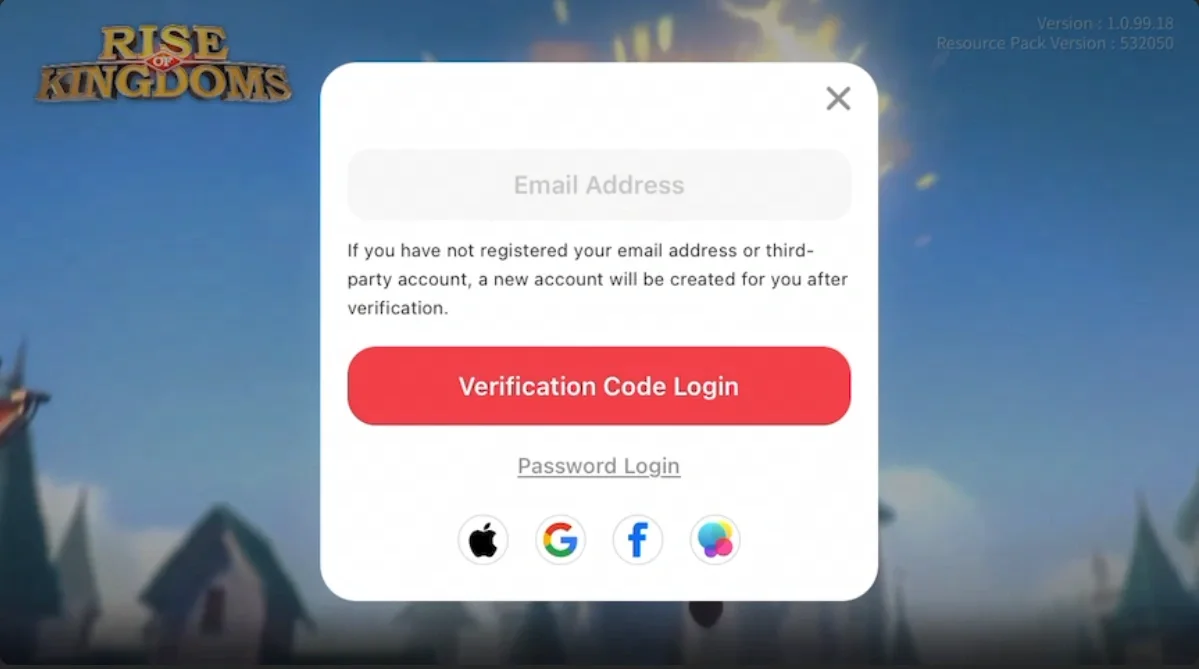
A game window opens. Sign in with the Google or Facebook account your governor is linked to.
Apple sign-in does not work here. Link Google or Facebook in the game first (see below).
- 5
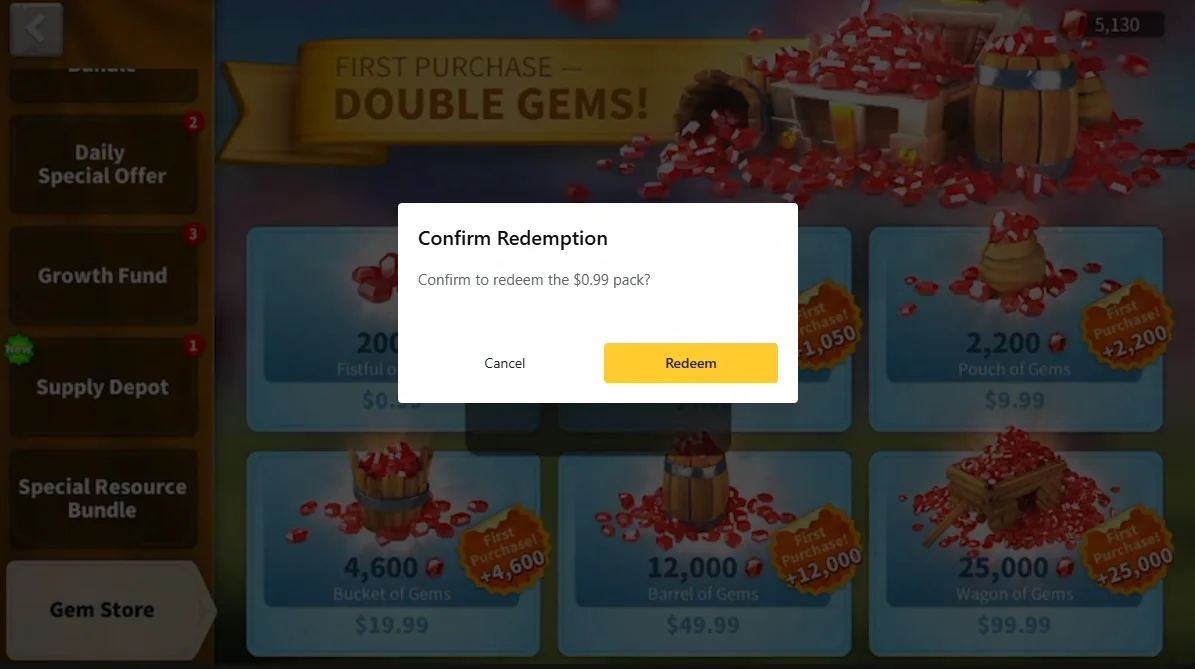
Claim it in the store
The real in-game store opens on your account. Tap the pack you paid for and confirm Redeem.
Prices in here are always USD. That is the number to match with what you bought.
- 6
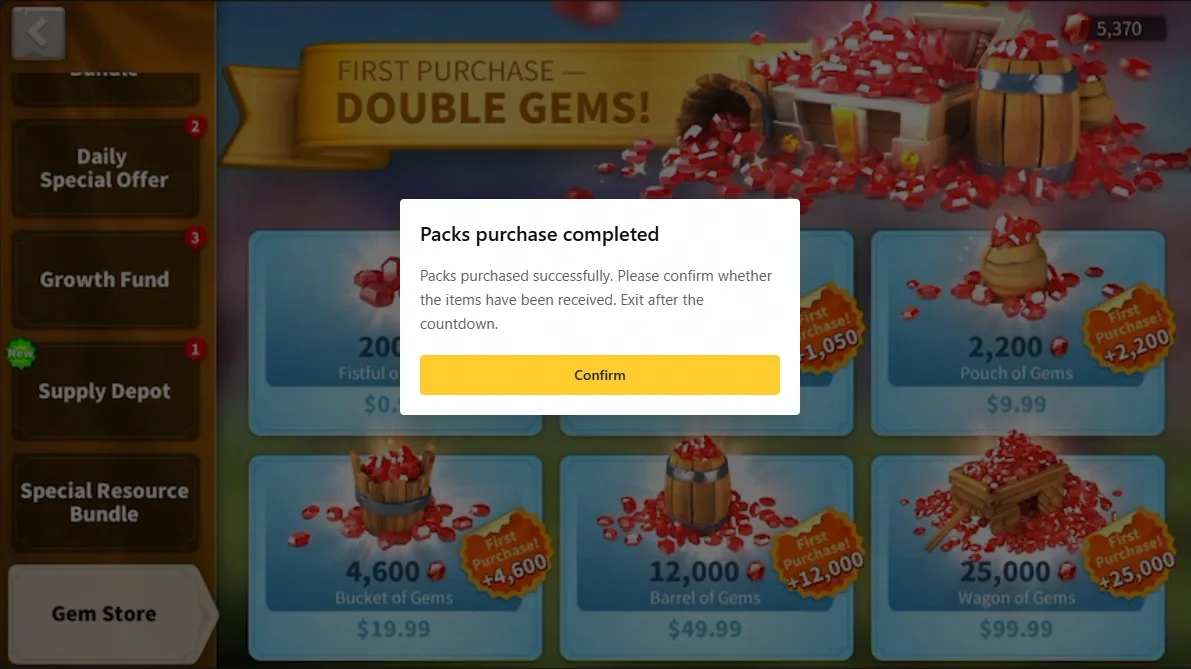
Done, gems are in
It takes a few seconds. When it says Packs purchase completed, open the game as usual and check your gems. Your login is cleared as soon as you leave Self-TopUp.
Keep the window open and stay logged out of the game on other devices until it finishes.
Questions
You log in yourself through the Self-TopUp window, nobody gets your password and the login is wiped when you exit. The pack is bought in the normal in-game store on your account, so it looks like any other purchase.

Next pack, for less
You were going to buy it anyway. Same pack, same account, a bit more left for the next one.
Links on this page are affiliate links: RokHub earns a commission when you buy, at no extra cost to you. LootBar is an independent store. RokHub and LootBar are not affiliated with or endorsed by Lilith Games. Prices come from LootBar and can change at checkout.